

Rainbow Layer Cake Squishy: Build a Photo Index
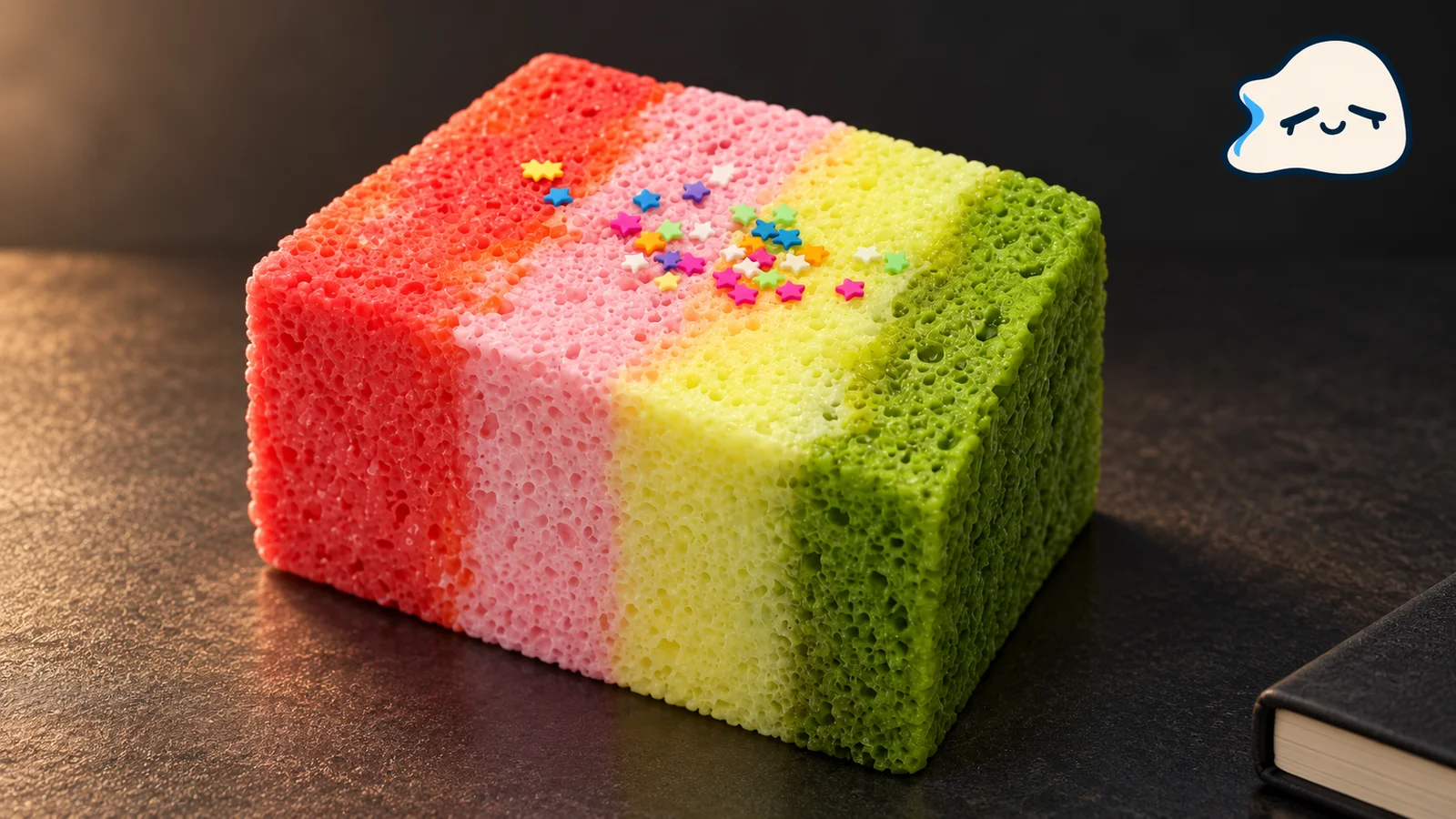
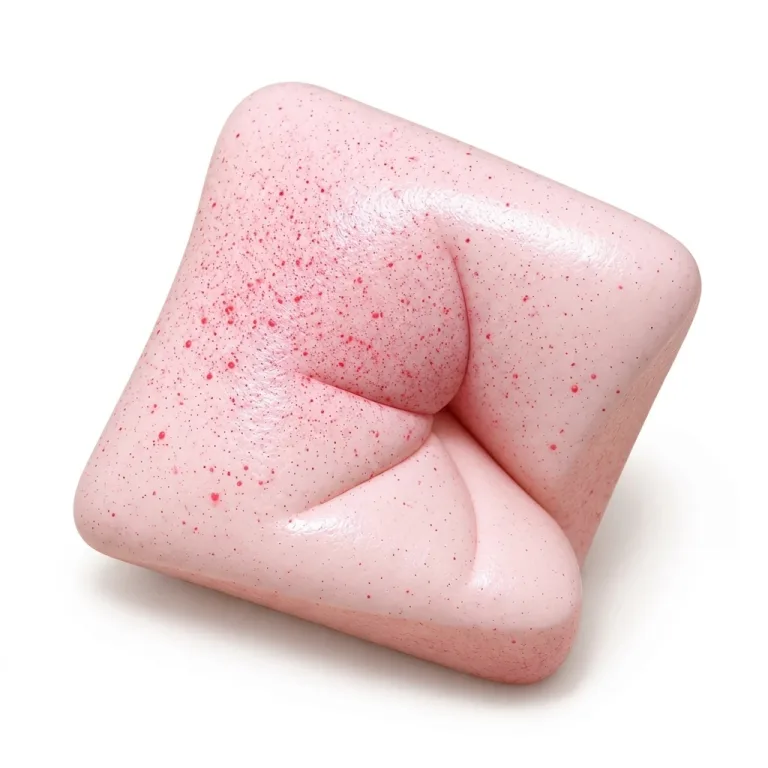
AI-generated illustration based on the product reference photo.
Give each squishy photo an entry with the product name, a link to its listing, and the name of your image file. Add a few visual tags you would use to find it again. For a rainbow layer cake squishy, start with the pattern and a small identifying detail. You can keep these entries in a spreadsheet or a notebook beside your photo folder.
Use your own photographs for the index. The filenames and tags below are examples to adapt when you make an entry.
Keep the identity beside the photo
Copy the full product name from the listing and save its URL. If you are recording something you might buy, mark it as a wishlist item. Keep that status separate from the name so you can tell it apart from a toy you own.
Start with this sample record:
| Field | Example to adapt |
|---|---|
| Product name | Rainbow Cake Squishy |
| Listing | Rainbow Cake Squishy |
| Collection status | Wishlist |
| Your photo filename | rainbow-cake-top.jpg |
| Personal visual tags | multicolor layers; star detail |
The filename is an example, not a supplied photo. Replace it with the exact filename of a picture you take, then open that file to check the match. If you have several views, record each filename in the same entry. Keep the listing link even after adding your own photo so you can return to the original product name.
Use tags that separate similar cakes
Rainbow Cake Squishy is a multicolor cake squishy cube stacked with pastel rainbow layers and decorated with tiny star-shaped sprinkles along the top. For your index, multicolor layers can describe the broad pattern, while star detail records a smaller feature to look for in a top view.
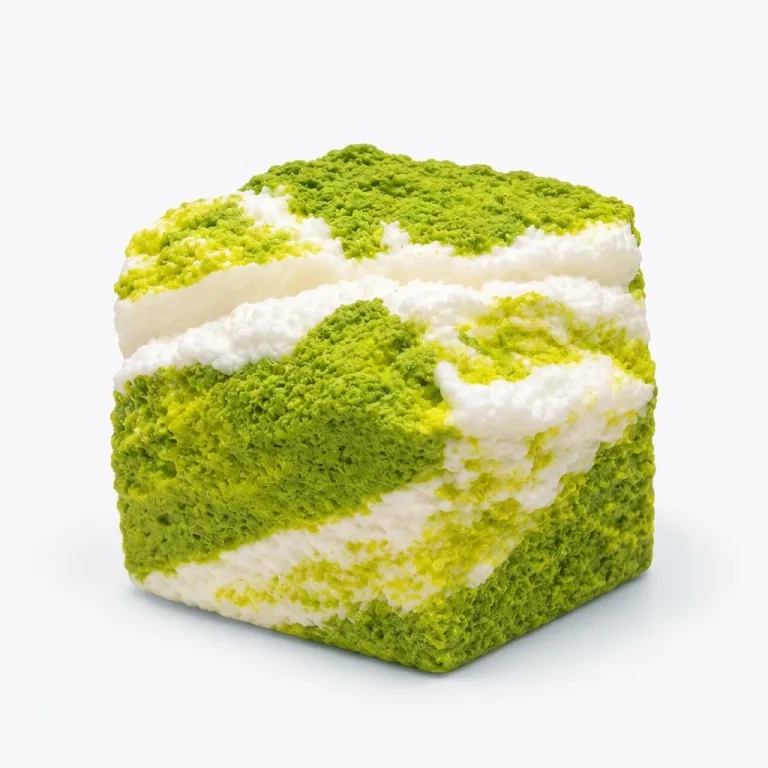
Matcha Cake Squishy is cube-shaped, with alternating matcha-green layers and cream-colored horizontal stripes. Try green and cream as its color tag and horizontal stripes as its pattern tag.
Keep your chosen wording consistent across entries. If you use horizontal stripes, use that phrase whenever you mean the same pattern. Add a separate color tag when two entries share a pattern but you want to find only one of them.
Choose a photo angle that shows the detail you used as a tag. For example, if you label an entry star detail, check that its recorded photo includes the top. If it does not, add another view or choose a tag you can confirm from that image.
Test the entry with another motif
Pineapple Toast Squishy is a sunny golden-yellow toast squishy slice with a circular pineapple-ring detail in the center and softly rounded crust corners. A sample entry could use yellow for color and center ring for the motif. Those are personal filing labels; keep the full product name in its own field.
All three products are sold individually as non-food toys. If you record quantities, enter how many you actually own beside each product name.
To check your index, pick a tag and follow its entry to the recorded photo. Confirm that the detail is visible and that the name and listing refer to the intended design. If two entries are still hard to tell apart, add a more specific motif tag or another photo view. Once that entry works, use the same fields for the next photograph.